Web Development
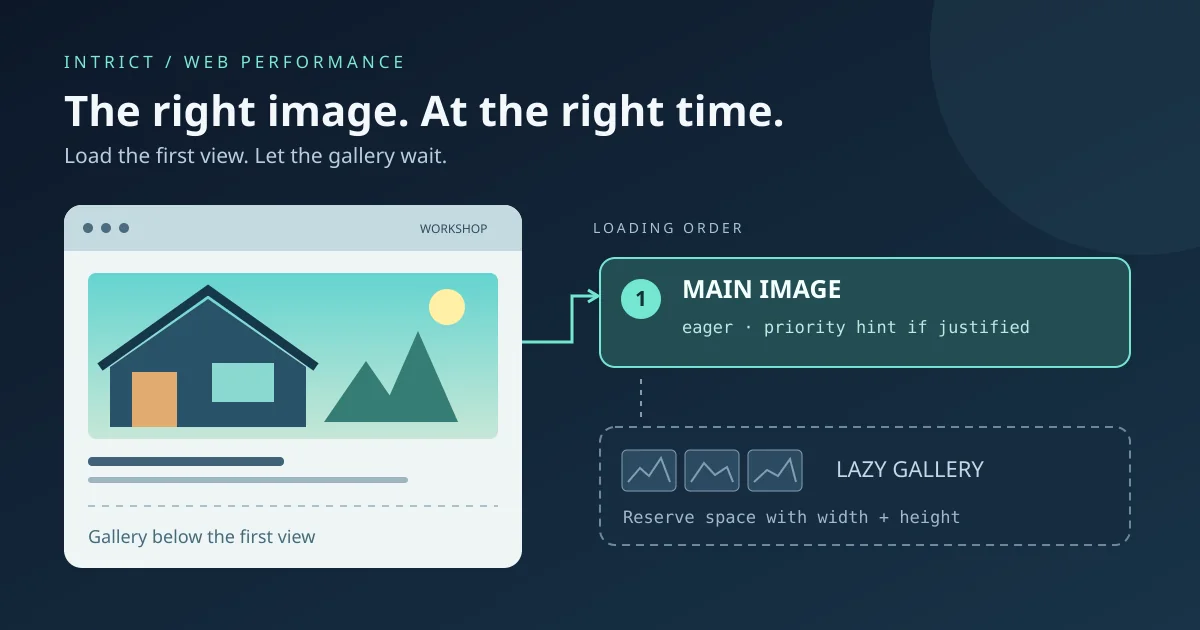
Images on your SME website: what should load first and what can wait?
A practical guide to hero images, lazy loading, fetchpriority and reserved image space, without empty speed promises.
Lees meerLearn how technical support helps with hosting, domains, security, and performance optimization for reliable digital systems.

A strong digital presence does not stop at building a website or application. Technical support plays a crucial role in setting up, managing, and optimizing your complete digital infrastructure.
From hosting and domains to security and performance: everything must be reliable, scalable, and secure.
Technical support encompasses all activities needed to keep digital systems operational, secure, and performant. This can involve both setting up and maintaining your infrastructure.
Think of:
Hosting forms the foundation of every website or application. The choice of hosting largely determines speed, stability, and scalability.
Key considerations:
A well-chosen hosting solution prevents many problems in the long term.
A domain name is the address of your website and an essential part of your online identity.
Key aspects:
Correct domain management ensures your website is always accessible and loads securely.
Security is an essential part of technical support. Websites and applications are often targets of attacks.
Key measures:
A good security strategy minimizes risks and protects user data.
Speed is crucial for both user experience and SEO. Technical support helps optimize performance.
Techniques:
Fast websites lead to better conversions and higher search engine rankings.
Continuous monitoring helps detect problems early.
Key components:
Maintenance additionally includes:
Backups are essential to protect data against loss or errors.
Best practices:
A good backup system enables fast recovery during incidents.
Technical support also takes growth into account. Systems must be able to grow with increasing traffic and usage.
Scalability can be achieved through:
Modern digital systems often use external services via APIs.
Examples:
Technical support ensures that these integrations function stably and securely.
Without good technical support, these problems can arise:
Through proactive management these risks can be minimized.
Automation plays an increasingly important role in technical support.
Examples:
DevOps practices ensure faster and more reliable releases.
Technical support is an essential part of every digital solution. It ensures that your website or application remains safe, fast, and reliable.
By investing in hosting, security, monitoring, and performance optimization, you lay a solid foundation for growth and continuity.
A well-maintained digital infrastructure prevents problems and ensures that you can focus on what really matters: building and growing your product or business.

Web Developer & Digital Strategist — IntrICT, Gent
Gespecialiseerd in moderne websites (Next.js, React), SEO en GEO voor Belgische bedrijven. LinkedIn
Meer interessante artikelen die je mogelijk interessant vindt
A practical guide to hero images, lazy loading, fetchpriority and reserved image space, without empty speed promises.
Lees meer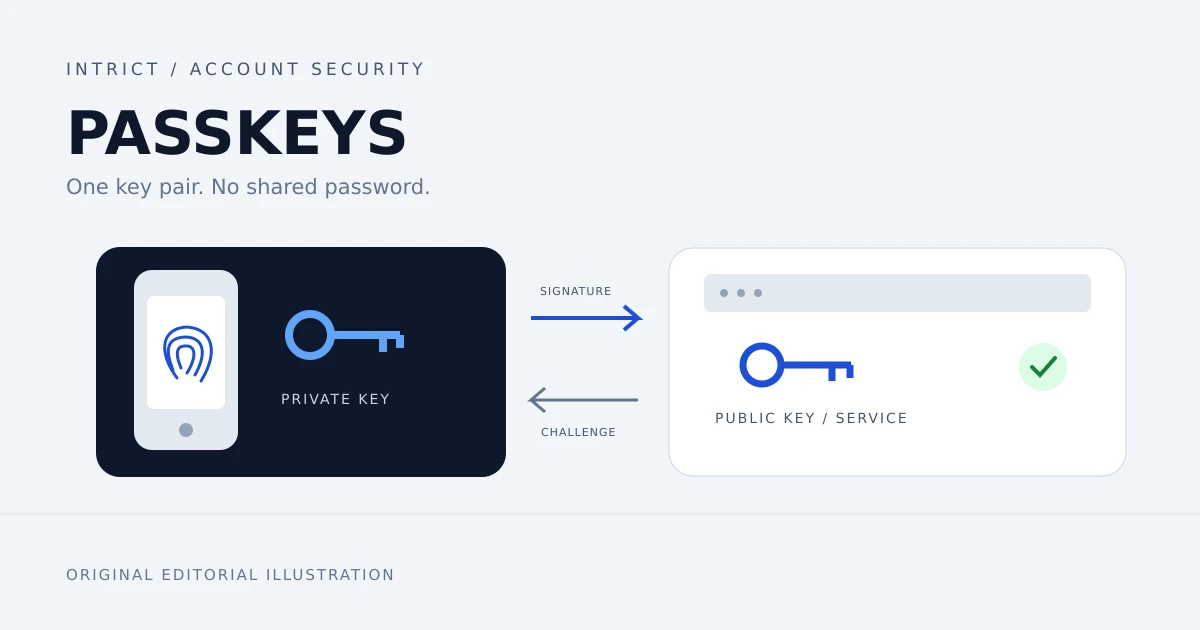
Passkeys resist phishing at sign-in. Learn how Belgian freelancers and SMEs can start, manage access and prepare account recovery.
Lees meer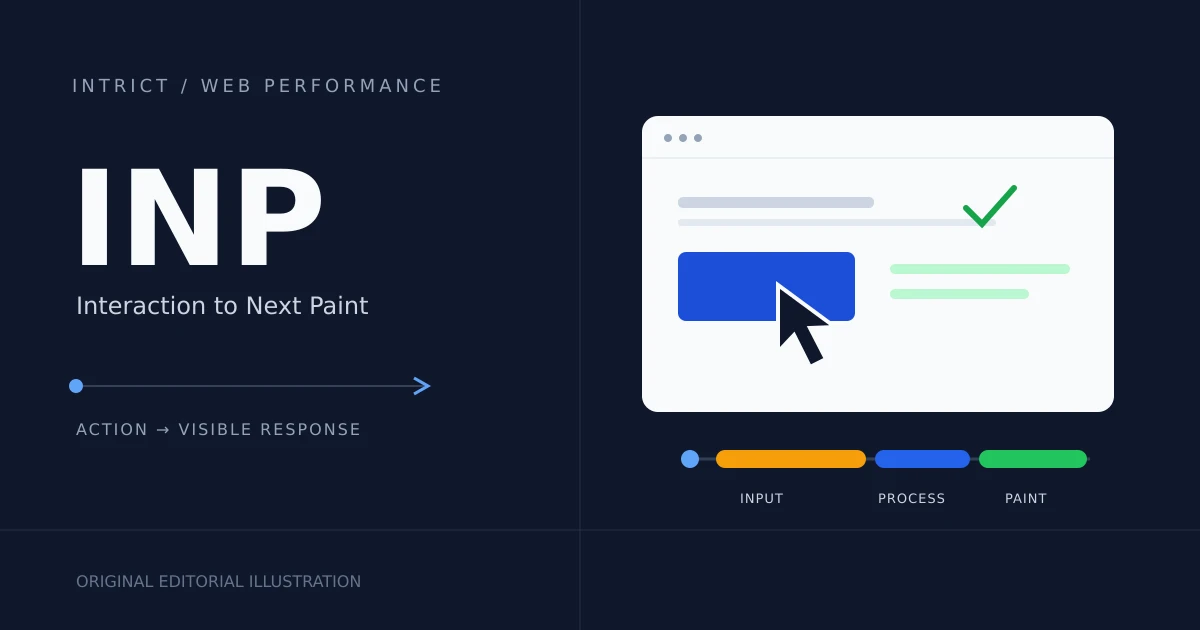
A website can load quickly yet respond slowly. Learn what INP measures and how to improve responsiveness for your small-business website.
Lees meer