Web Development
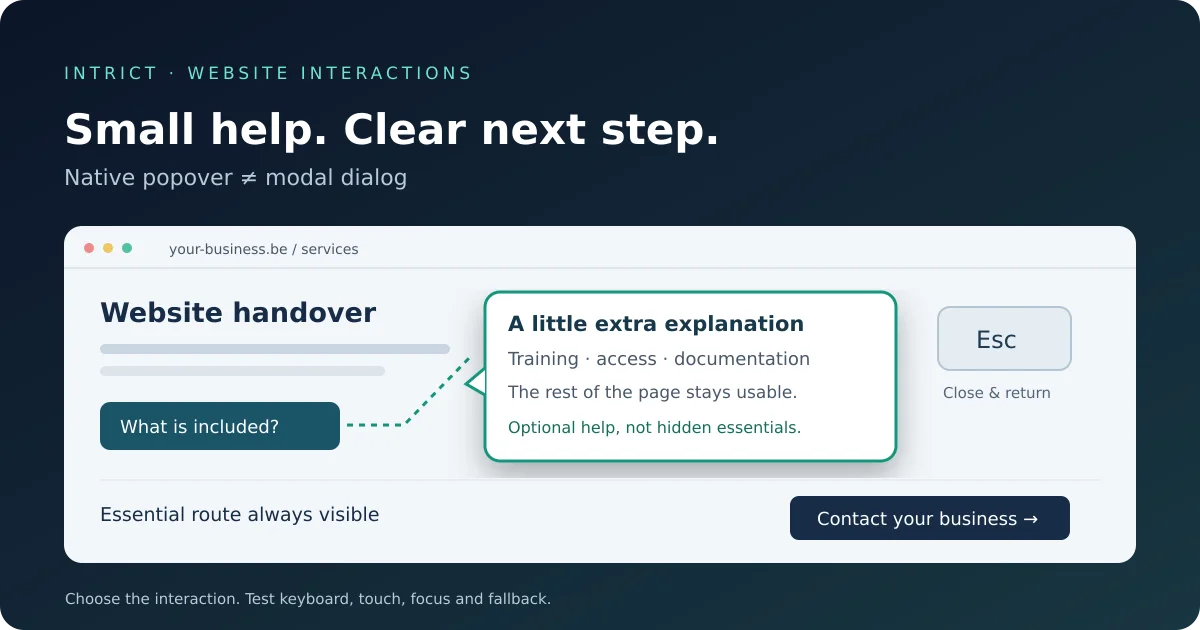
Native popovers: small website interactions without unnecessary custom code
When should you use a popover, dialog or ordinary text? A practical guide to clear, accessible interactions on your SME website.
Lees meerA practical guide to hero images, lazy loading, fetchpriority and reserved image space, without empty speed promises.
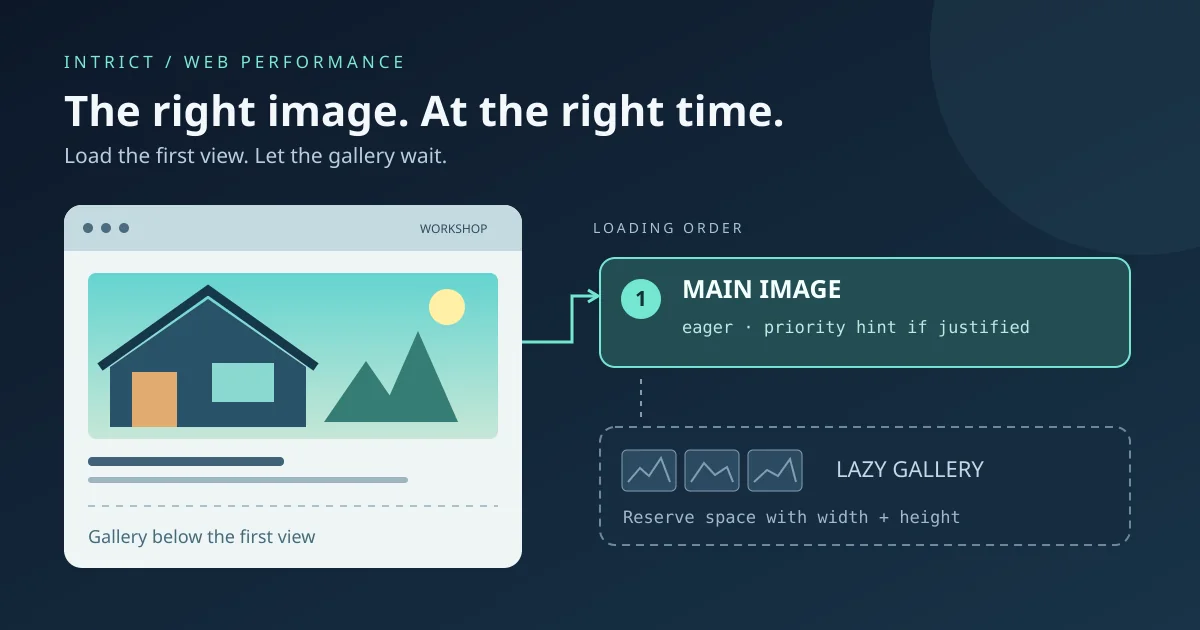
A photograph of your premises, a few completed projects and a portrait help visitors recognise your business. But a mobile visitor does not need to download every image at the bottom of a page immediately. Equally, the most important image at the top should not wait unnecessarily. The answer is not a blanket ‘lazy-load everything’ switch, but a deliberate loading order.
This evergreen guide helps Belgian small businesses and independent professionals ask better questions of their website developer. It is not a new browser announcement or a measurement of your website. The technical explanation draws on the primary documentation linked below.
Consider a local joinery business with a large project photo at the top and a gallery further down. The top image may matter for Largest Contentful Paint, or LCP: a metric for when the largest visible image or text element appears. This differs from INP, which concerns responses to interactions.
The gallery usually does not need the same immediate attention. Check both a narrow and a wide screen, however. An image visible on desktop may require scrolling on mobile. The LCP candidate can differ too. Do not rely only on a ‘hero’ label in your content management system: inspect the actual page and a performance measurement.
With loading="lazy", the browser can defer fetching until the image reaches a calculated distance from the viewport. That does not mean downloading begins precisely at the screen edge. The browser determines the threshold.
web.dev advises against lazy-loading images likely to be visible immediately, especially the LCP image. For a gallery lower down, it is often a reasonable starting point.
A simple example for a project photo further down the page:
<img
  src="/images/kitchen-project.webp"
  loading="lazy"
  width="960"
  height="640"
  alt="Oak kitchen cabinets with a light worktop"
>
This is ordinary HTML, not an instruction to replace existing framework components blindly. A CMS or framework may control its generated HTML differently. Have the final browser output checked rather than relying on an editor setting alone.
loading="eager" means loading without the additional deferral of lazy loading. It is also the normal behaviour when the loading attribute is omitted. It does not automatically make an image more important than other downloads.
fetchpriority="high" gives the browser a relative priority hint for an important image. This may suit a confirmed LCP image. It is not a guaranteed loading speed and does not replace an appropriate file size or early discoverability.
<img
  src="/images/workshop.webp"
  loading="eager"
  fetchpriority="high"
  width="1200"
  height="800"
  alt="Workbench and tools inside the workshop"
>
Do not assign high priority to every photo. The purpose is to distinguish important resources, not put everything first. Combining lazy loading with high priority is not a fix for the main image either: it does not simply eliminate deferred discovery or fetching. CSS background images may need a different approach; these examples concern the img element.
MDN explains how width and height help the browser determine an image's aspect ratio and reserve space before it loads. This reduces the risk of text or buttons moving when a photo appears. The values should match the actual file's aspect ratio; CSS can then display the image responsively.
Also use an appropriate resolution and compression level. A WebP file is not automatically small. Check which file a mobile browser actually downloads. With srcset and sizes, you can offer different image widths and describe how much space the image occupies. The browser then selects a source. Incorrect sizes values can still result in an unnecessarily large download.
Write meaningful alternative text when an image conveys information. A purely decorative image can have alt="". A filename or a string of search keywords does not help visitors understand its content.
Ask your developer for a comparison using the same page, screen size and measurement settings. A smaller download is a concrete result; more enquiries or higher search rankings do not automatically follow.
Not without checking. Format, resolution, compression and visible quality belong together. Start with large files that visitors actually download and compare the result.
No. It is useful for images that are not needed yet, but can delay the most important visible image. An image's location and purpose determine the right choice.
No. Server responses, scripts, fonts and other components may also matter. This article covers only image loading order and delivery.
Want to understand which images on your website deserve attention first? Discuss your most important page with IntrICT through the contact page. Start with a specific check, not a promise about scores or revenue.
Sources checked on 26 October 2026. This is practical evergreen guidance, not a report about an October launch.

Web Developer & Digital Strategist — IntrICT, Gent
Gespecialiseerd in moderne websites (Next.js, React), SEO en GEO voor Belgische bedrijven. LinkedIn
Meer interessante artikelen die je mogelijk interessant vindt
When should you use a popover, dialog or ordinary text? A practical guide to clear, accessible interactions on your SME website.
Lees meer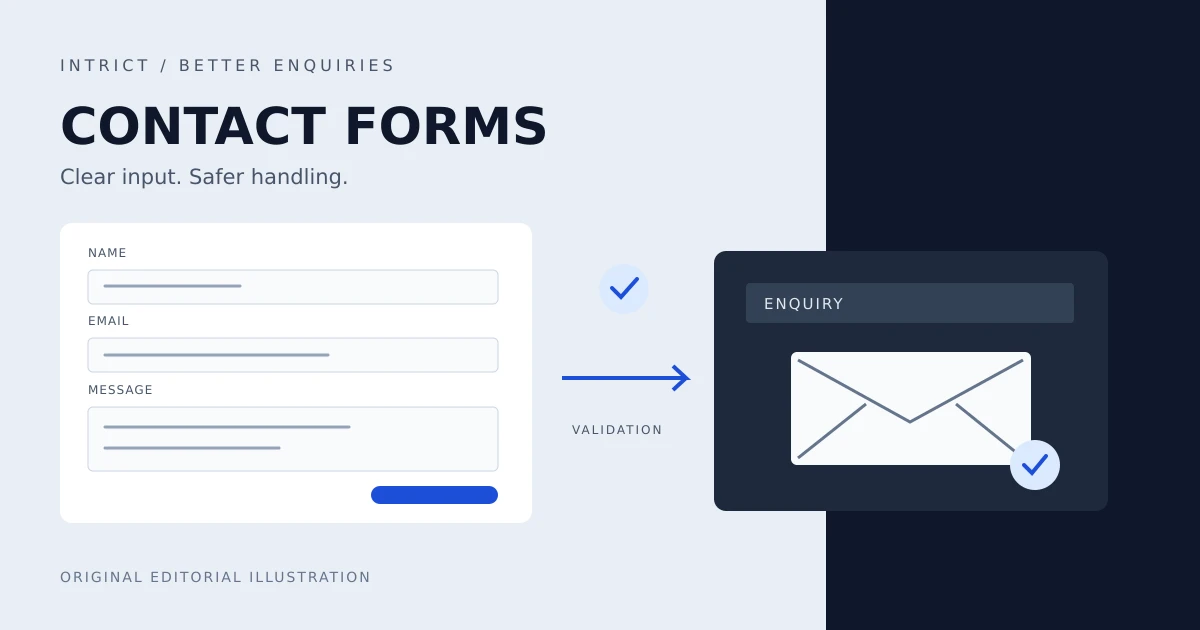
Practical contact forms for Belgian SMEs: less data, accessible labels and errors, server checks and an honest acknowledgement of receipt.
Lees meer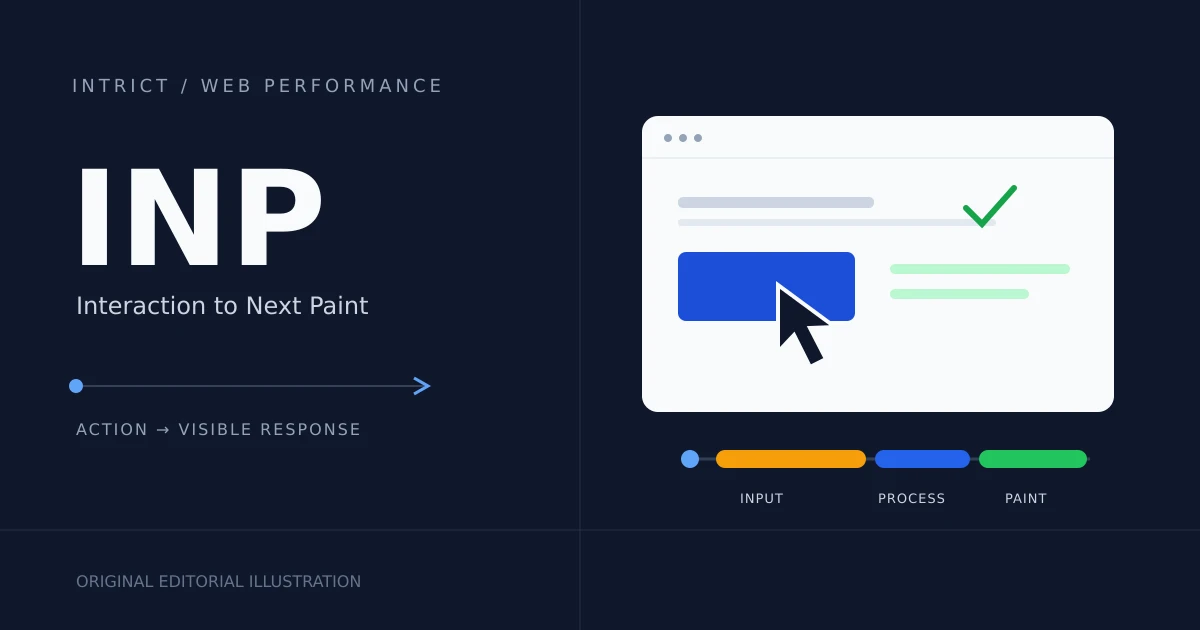
A website can load quickly yet respond slowly. Learn what INP measures and how to improve responsiveness for your small-business website.
Lees meer