Web Development
Images on your SME website: what should load first and what can wait?
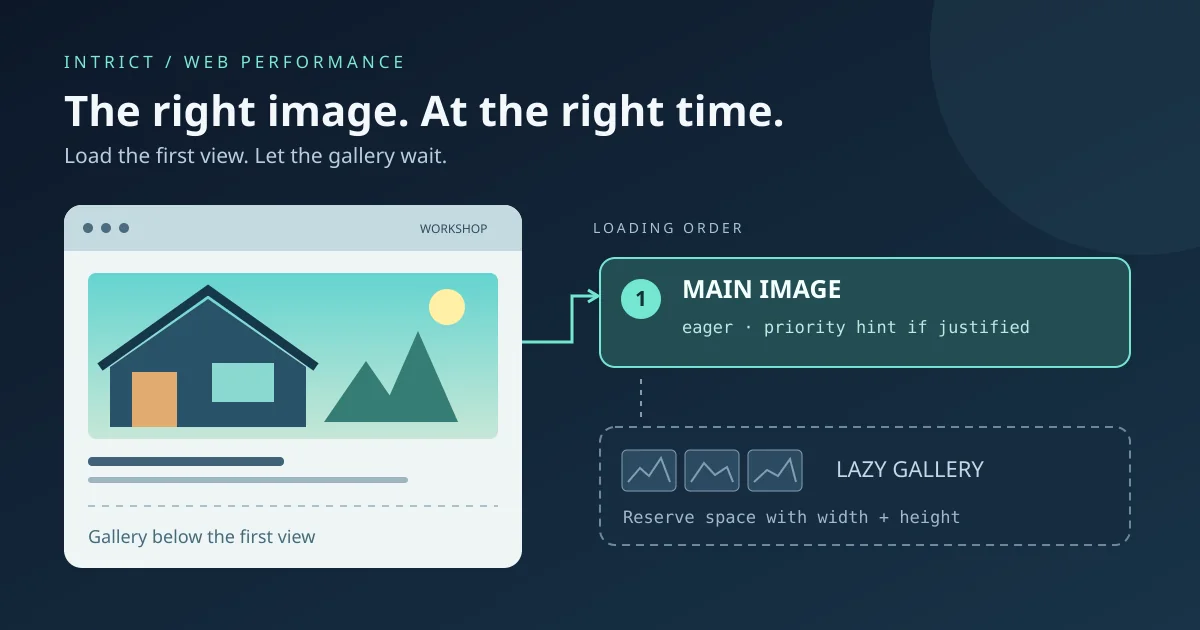
A practical guide to hero images, lazy loading, fetchpriority and reserved image space, without empty speed promises.
Lees meerPractical contact forms for Belgian SMEs: less data, accessible labels and errors, server checks and an honest acknowledgement of receipt.
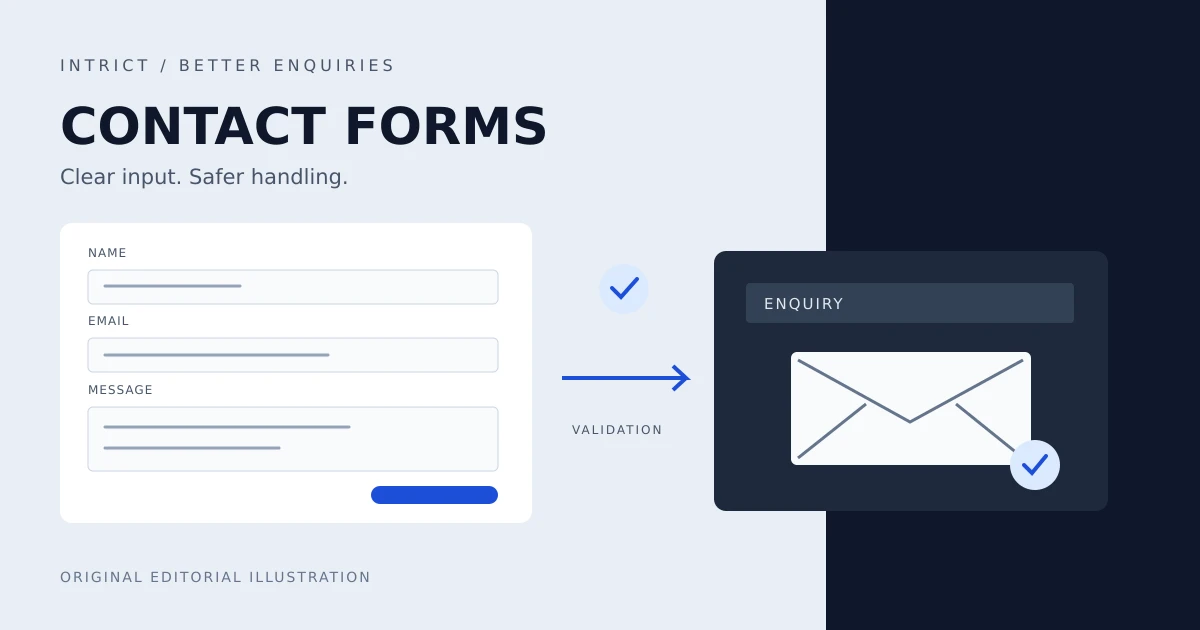
In brief: A contact form should help someone ask a question. Request only useful information, make errors understandable and have the server check every submission. Then explain honestly what happened to the message.
This is a practical evergreen analysis for Belgian freelancers and SMEs, not a news report or an announcement of new legislation. Sources were checked on 12 October 2026.
A visitor wants to know whether you can rebuild their website. Your form first asks for a phone number, address, company registration number, staff count and budget. Which details do you actually need to answer that initial question?
W3C/WAI recommends short, simple forms that ask only for what the task requires.[3] Start with an email address and a message, for example. Ask for a name if it helps you follow up. Make company or phone details optional unless you can explain why the field is needed for this enquiry. A quotation process can request more information later.
This is also a privacy decision. According to the European Commission, personal data must be limited to what is necessary for the purpose.[5] An initial enquiry is not a reason to start building a complete customer record. We are not promising a conversion increase here; the aim is an understandable route to contact.
Place "Email address" visibly above the input. An example inside the field can help, but should not be the only explanation. WAI describes how a real label is associated with its field in code: the label's for attribute refers to the field's id.[6]
Indicate which fields are required and show limits before someone submits. Write "Message, maximum 2,000 characters", for instance, if that is your chosen limit. This number is a design example, not a mandatory standard.
Test the form using only a keyboard and with a screen reader. Is the order logical? Are labels announced and does focus remain visible? Provide the same guidance in the page's language. A Dutch error message on an English contact page does not help the visitor.
"Invalid input" says little. "Enter an email address, for example name@company.be" provides a next step. WAI recommends understandable errors that identify the affected field and explain how the user can resolve them.[7]
Show the error near the field and associate that message with the input in code. For several errors, a summary with links to the fields can help. Use text alongside colour and make dynamic notifications perceivable to assistive technology.[7] Keep the text already entered after an error so someone does not have to type their entire enquiry again.
Browser checks provide quick feedback, but can be bypassed. MDN therefore warns that the server must also validate submitted form data.[4]
Ask your developer to define what the server accepts for each field: the expected type, required values, length limits and allowed options. A dropdown offering "Website" or "Maintenance" must enforce the same allowed values on the server. OWASP also recommends limiting request size before reading or processing the body.[1]
For free text, this does not mean banning all punctuation. Names containing apostrophes, accents and ordinary Unicode text can be legitimate. OWASP distinguishes suitable input rules from the separate defences needed when using that data.[1] Check an email address's format, but do not pretend this proves the mailbox exists or belongs to the sender.
A message that passes validation is still untrusted input. When it later appears in an administration screen or HTML email, the output needs to be constructed safely. OWASP describes context-specific output encoding: protection for HTML text is not automatically suitable for an HTML attribute, URL or JavaScript context.[2]
Use your framework's safe text rendering and automatic escaping where applicable. Do not render ordinary contact messages as raw HTML. If you genuinely want to allow formatted HTML, that requires a separate sanitisation approach.[2]
HTML escaping does not stop a spam campaign or prove identity. Discuss abuse controls separately with your developer, such as request limits and monitoring. None of these measures makes a form completely secure on its own.
Choose the confirmation based on what your system actually knows. "Your enquiry has been received" fits when the server has reliably stored it. "Your message has been delivered" requires evidence of that later step. Acceptance by an email service does not prove that a staff member has read the message.
This is a design recommendation: decide which event justifies each notification. In a test environment, also check a failed email send and a temporary server error. Then offer a useful next step or an alternative contact channel. Do not promise a response time your organisation has not agreed to.
Briefly explain alongside the form how you use the data and link to an understandable privacy notice. The Commission lists purpose limitation, transparency and limited retention among the GDPR principles.[5] Agree internally who can view enquiries and when you delete or review them.
Assess the legal basis for answering an enquiry separately from the basis for marketing. A contact message is not automatic consent to a newsletter. This analysis does not determine which legal basis your situation requires. Have the applicable marketing rules assessed too. If you offer newsletter signup, keep that choice separate, voluntary and unticked by default; do not make your reply depend on that choice.
Only if this enquiry needs it. If you can answer by email, make the number optional or leave it out.
Not without evidence of delivery. Match the notification to the verifiable step, such as storing the enquiry.
Remove unnecessary fields. Then test labels, error messages and the confirmation. Discuss server checks and safe output with your developer. Want to review your contact journey? Discuss your website with IntrICT.
[1] https://cheatsheetseries.owasp.org/cheatsheets/Input_Validation_Cheat_Sheet.html — Input Validation - OWASP Cheat Sheet Series
[2] https://cheatsheetseries.owasp.org/cheatsheets/Cross_Site_Scripting_Prevention_Cheat_Sheet.html — Cross Site Scripting Prevention - OWASP Cheat Sheet Series
[3] https://www.w3.org/WAI/tutorials/forms — Forms Tutorial - W3C WAI
[4] https://developer.mozilla.org/en-US/docs/Learn_web_development/Extensions/Forms/Form_validation — Client-side form validation - MDN
[5] https://commission.europa.eu/law/law-topic/data-protection/information-business-and-organisations/principles-gdpr_en — Principles of personal data processing under the GDPR - European Commission
[6] https://www.w3.org/WAI/tutorials/forms/labels — Labeling Controls - W3C WAI
[7] https://www.w3.org/WAI/tutorials/forms/notifications — User Notification - W3C WAI

Web Developer & Digital Strategist — IntrICT, Gent
Gespecialiseerd in moderne websites (Next.js, React), SEO en GEO voor Belgische bedrijven. LinkedIn
Meer interessante artikelen die je mogelijk interessant vindt
A practical guide to hero images, lazy loading, fetchpriority and reserved image space, without empty speed promises.
Lees meer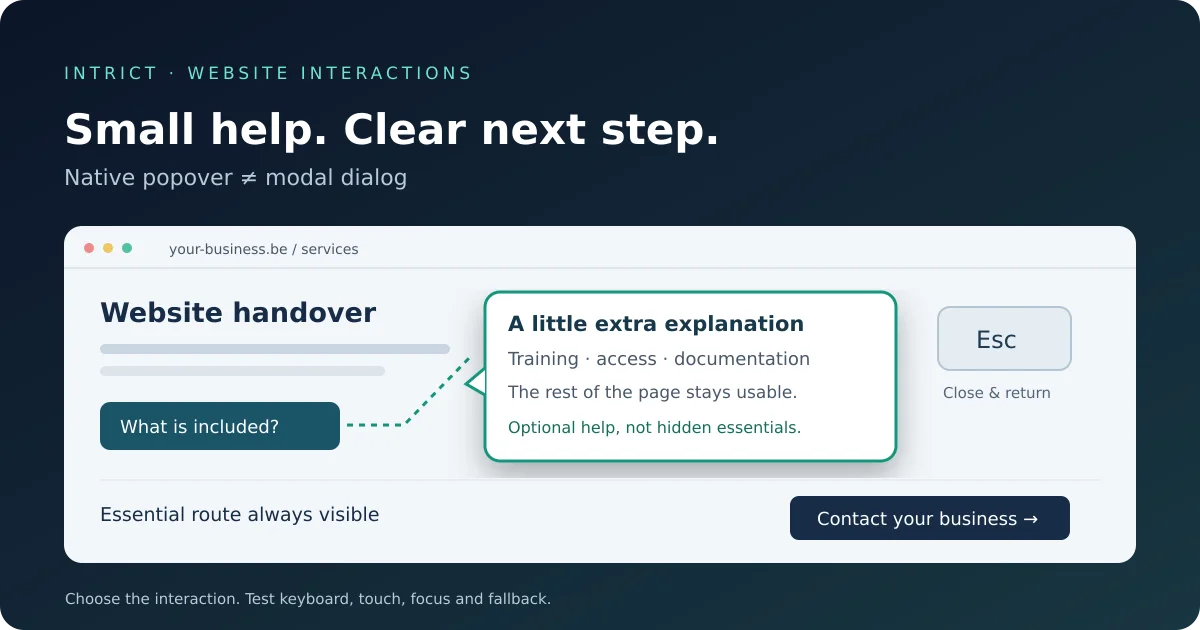
When should you use a popover, dialog or ordinary text? A practical guide to clear, accessible interactions on your SME website.
Lees meer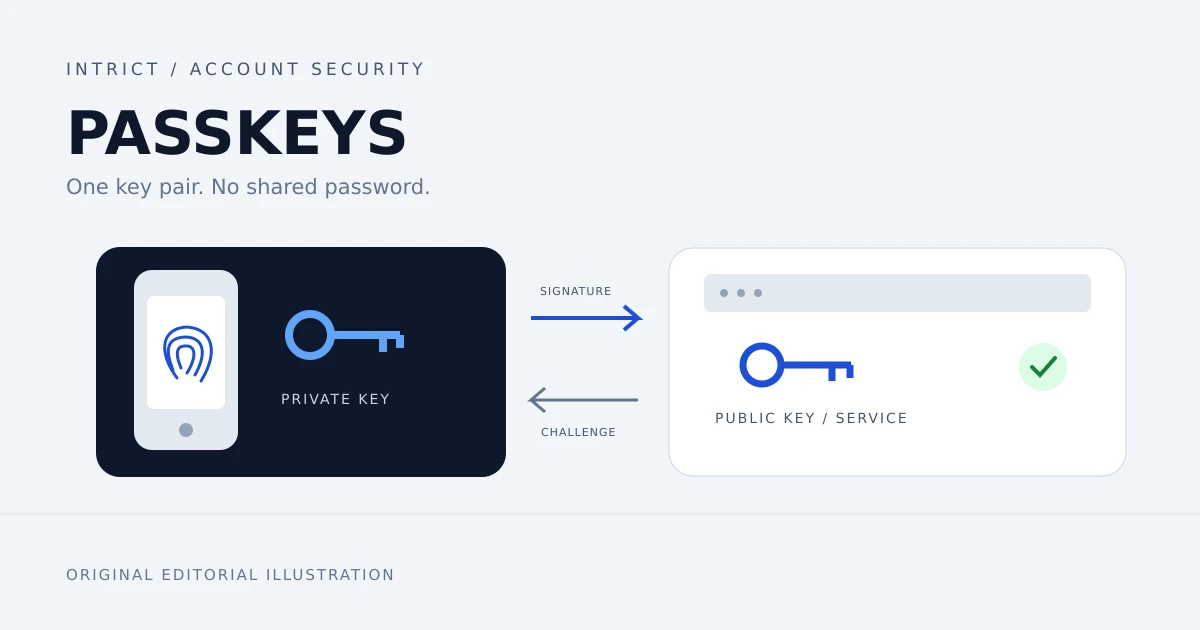
Passkeys resist phishing at sign-in. Learn how Belgian freelancers and SMEs can start, manage access and prepare account recovery.
Lees meer